
Eden is a browser-based tower defense game, and my first project building with AI. My goal going in was to get familiar with vibe coding, but I quickly found that building my own game was just as fun as playing one.
There are many tower defense games out there, but by far my favorite was the first one I ever played: Wintermaul, a player-made custom map for Warcraft III. Wintermaul gave players an open field to build their own mazes, with different classes that played very differently. As a kid I spent hours experimenting with patterns and builds to optimize my maze’s damage output, and wanted to recreate that gameplay with Eden.
From some basic sketches Claude was able to build a simple playable prototype and I began refining from there.
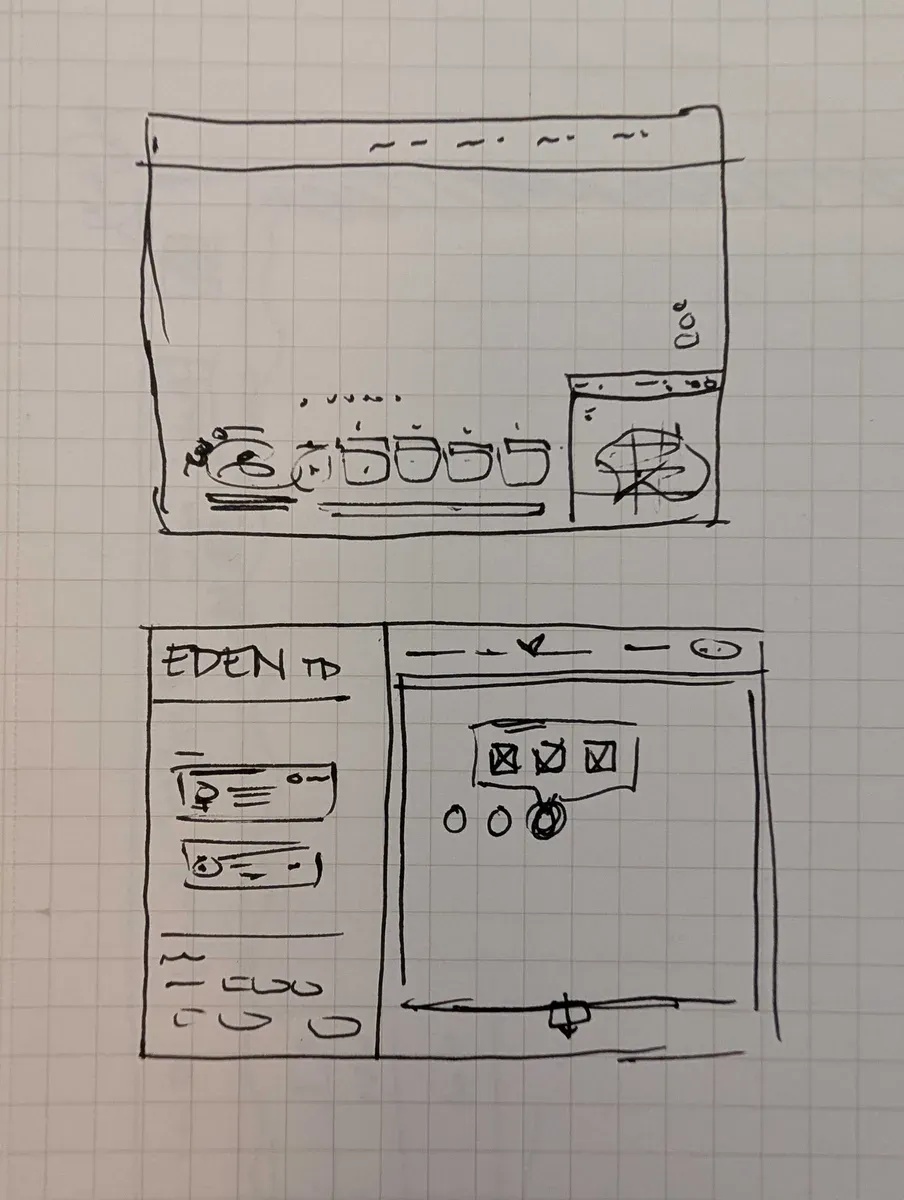
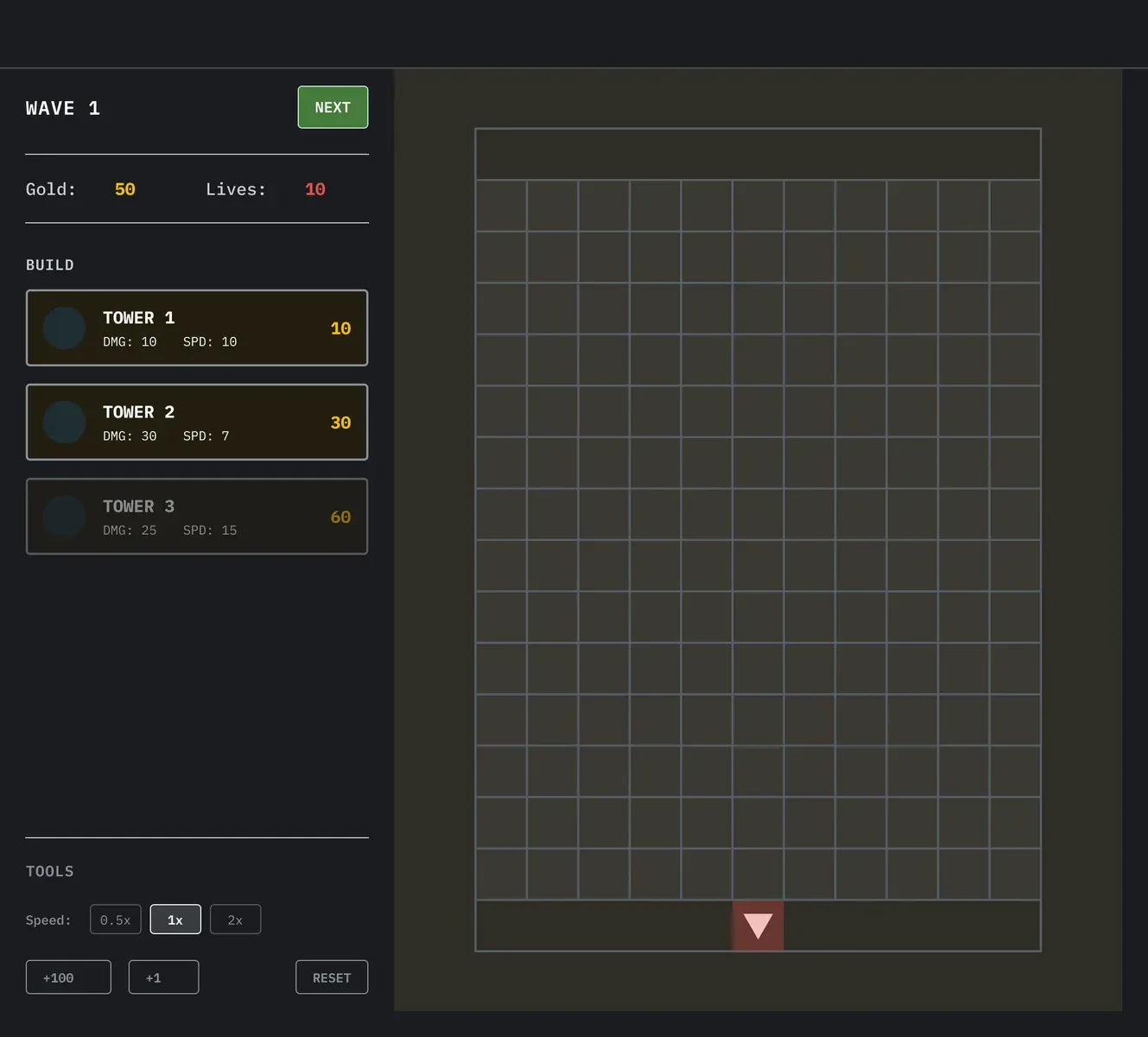
First sketches and wireframes
Originally I designed for desktop because that’s how I wanted to play it, but then I shared the game with my friends and every one of them opened it on their phone. So I went back and redesigned it as a mobile game.
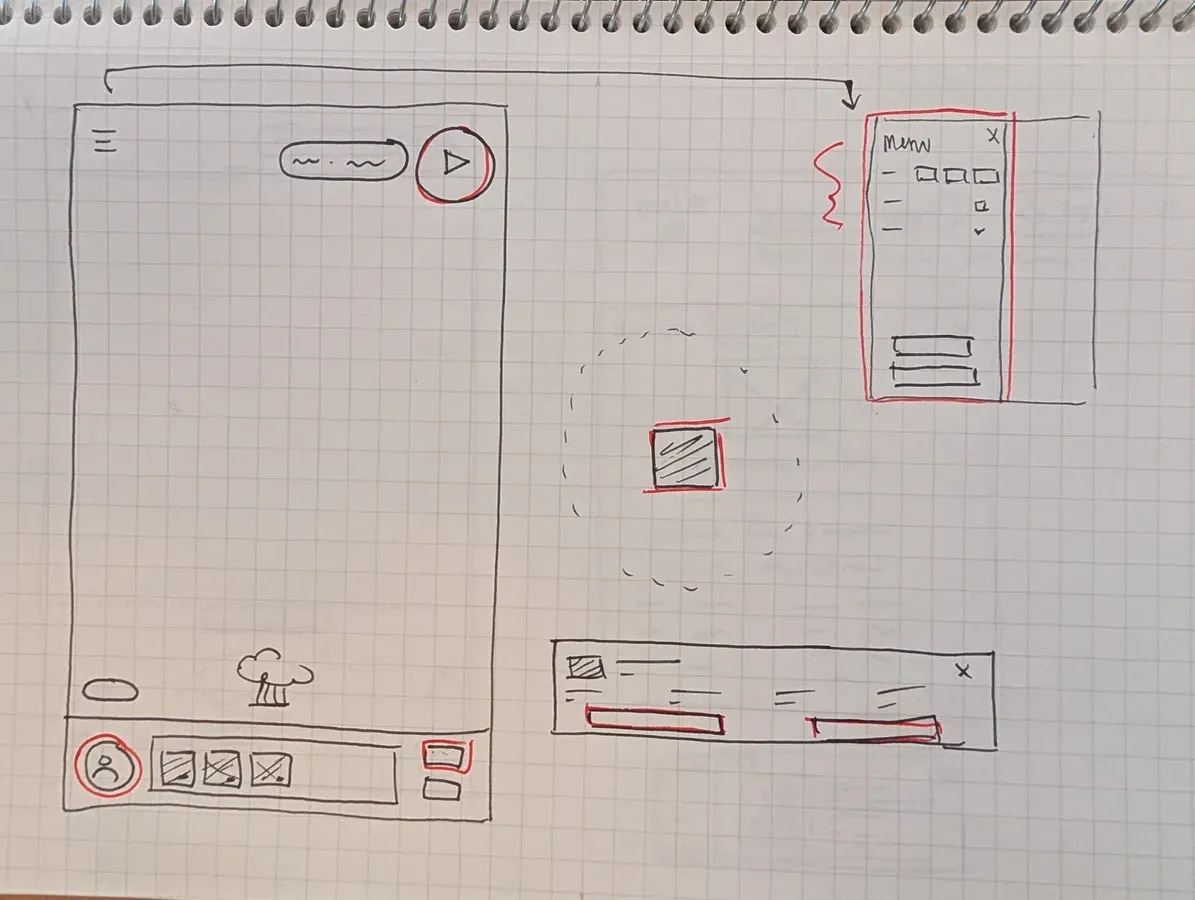
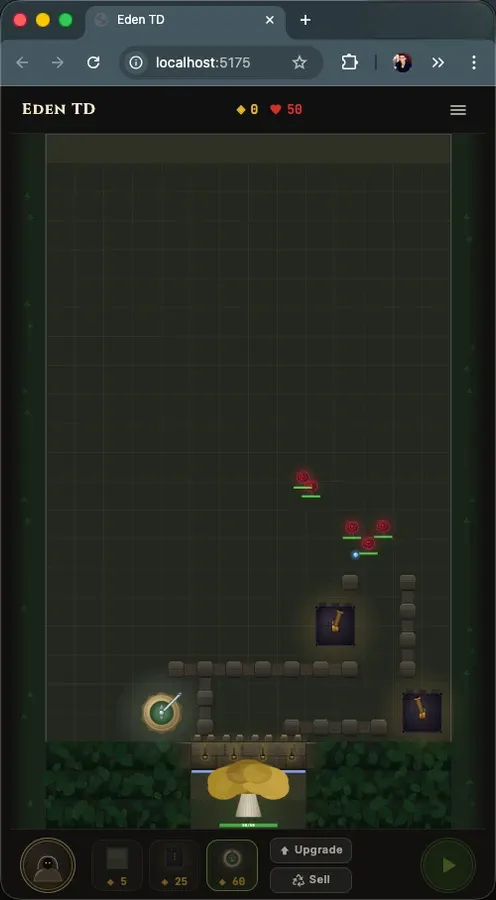
Sketching a mobile version, and Claude’s update
I built a component library in Figma and connected it to Claude using the Figma MCP so everything stayed in sync. I started in Figma for the majority of the design early on, giving specs and direction to Claude step by step. I was impressed with how effective it was to make design decisions when seeing my designs in code, and soon looked for ways to get even more efficient. Using Claude, I set up a playground environment where I could test the game’s art and UI directly from the browser.
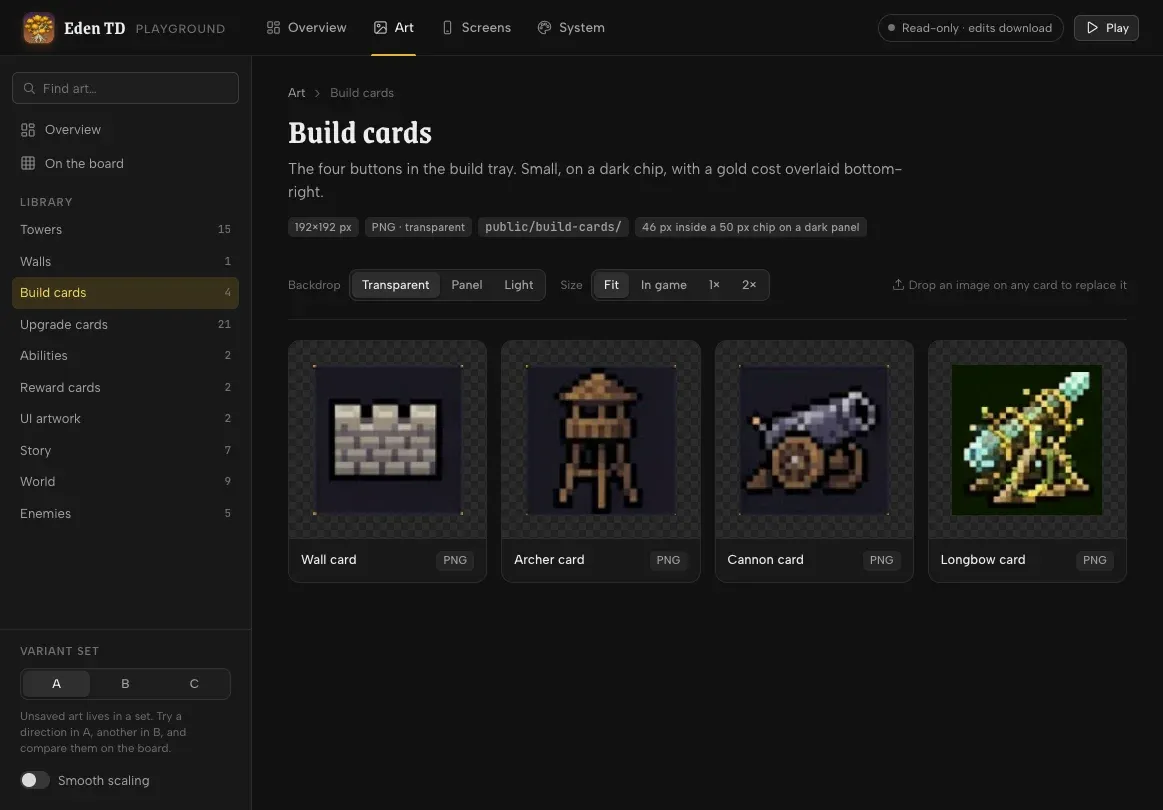
From here I can pull up any screen or state I need to reference. I added the full design system and made it so everything renders straight from the game’s code. I love seeing how things will actually look before committing to a design, and when updating artwork I can keep up to 3 variants while exploring different options.
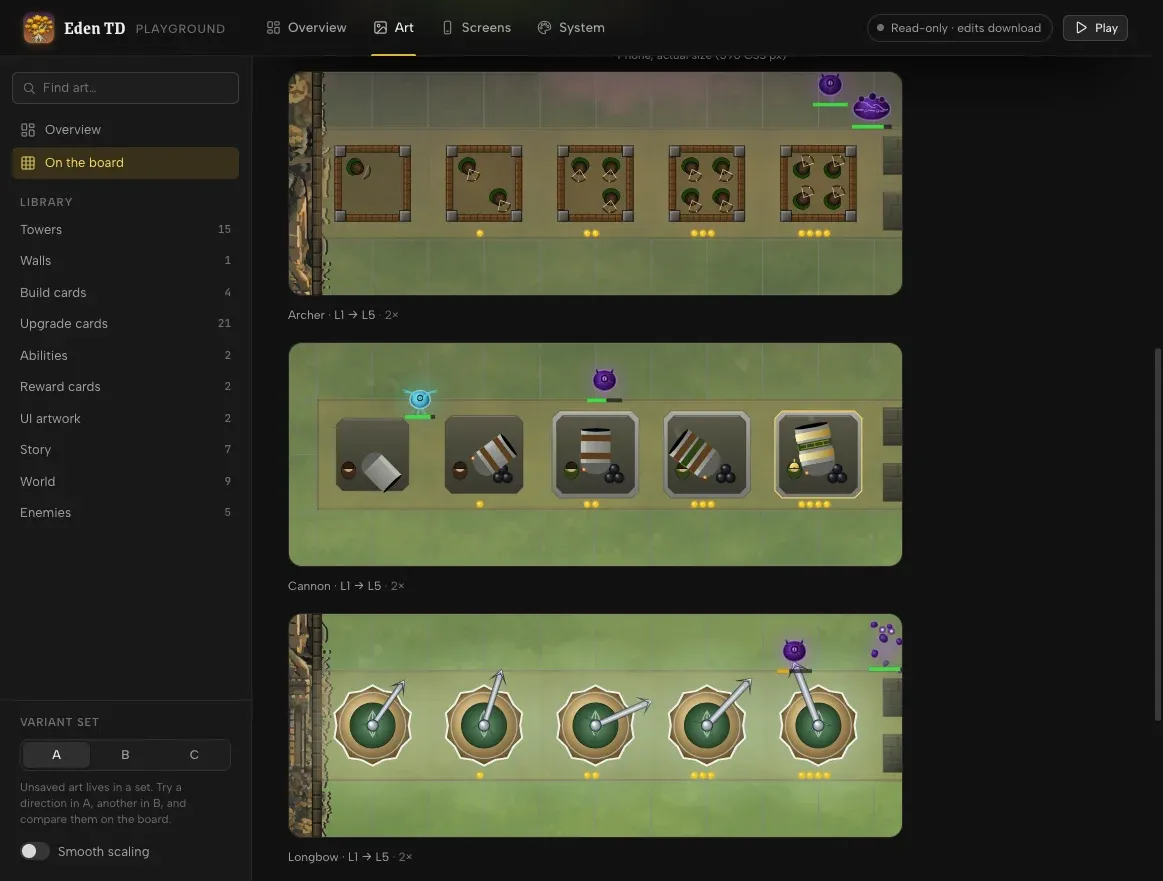
Eden is still in early development but has a fully playable tutorial and the first 10 waves of the campaign. The UI was my primary design focus early on, and most artwork is still a mix of placeholder graphics and Claude-generated JavaScript.
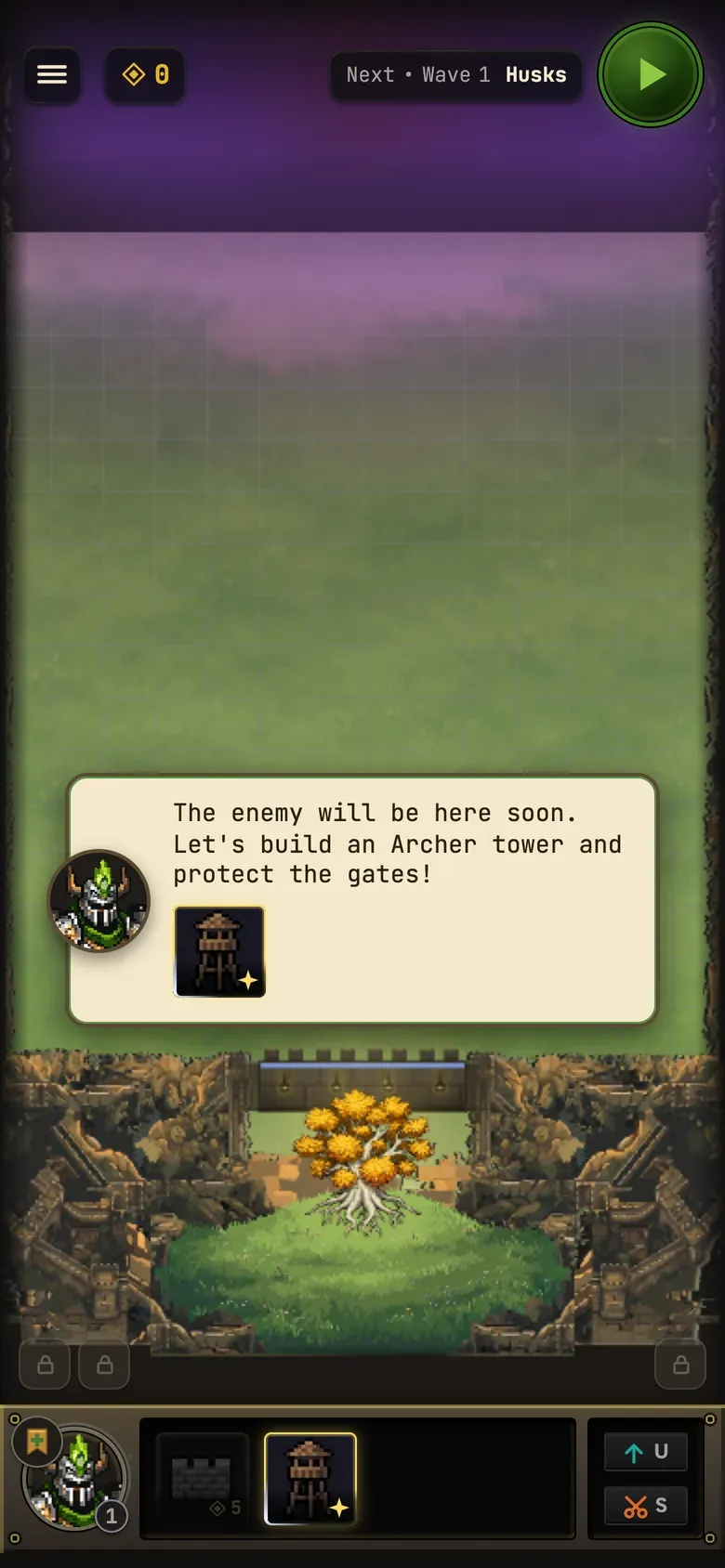
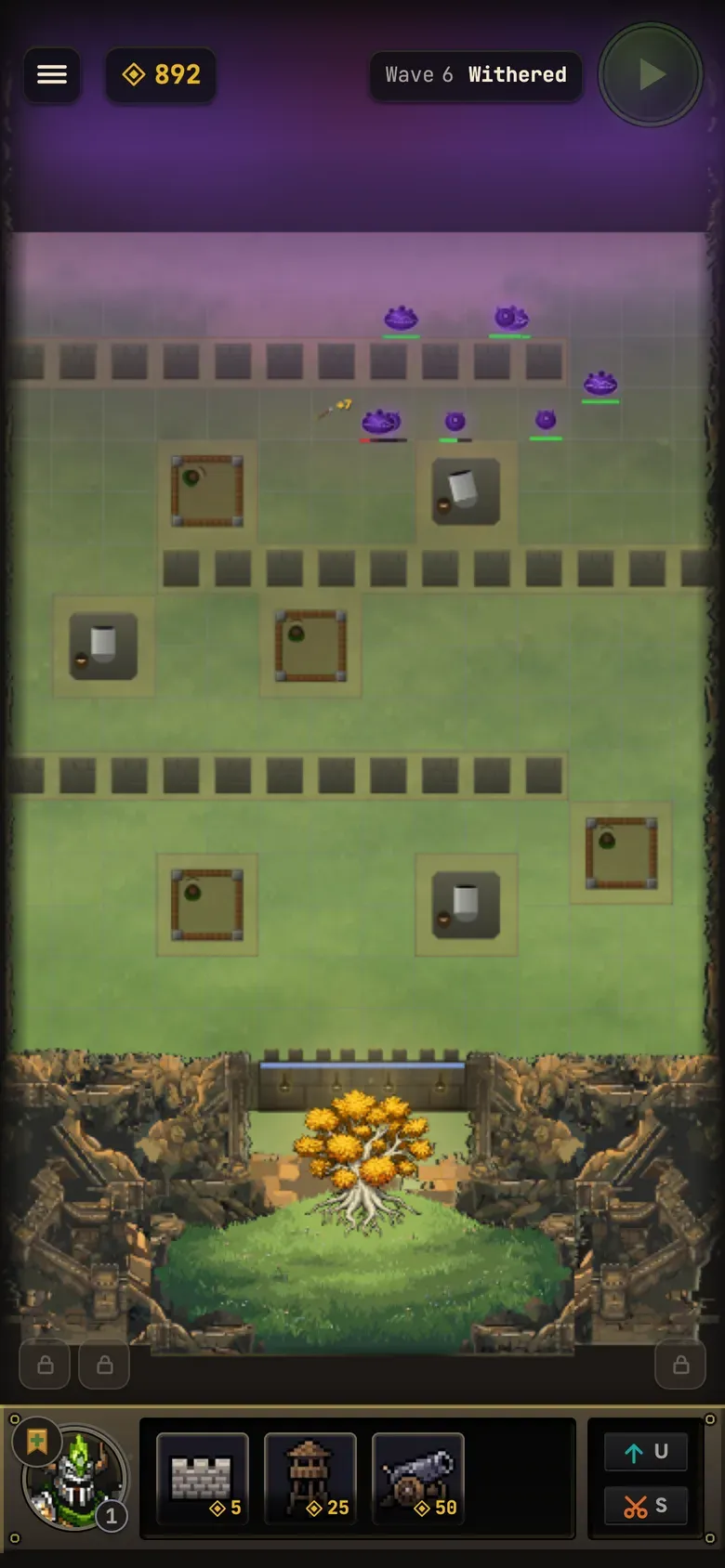
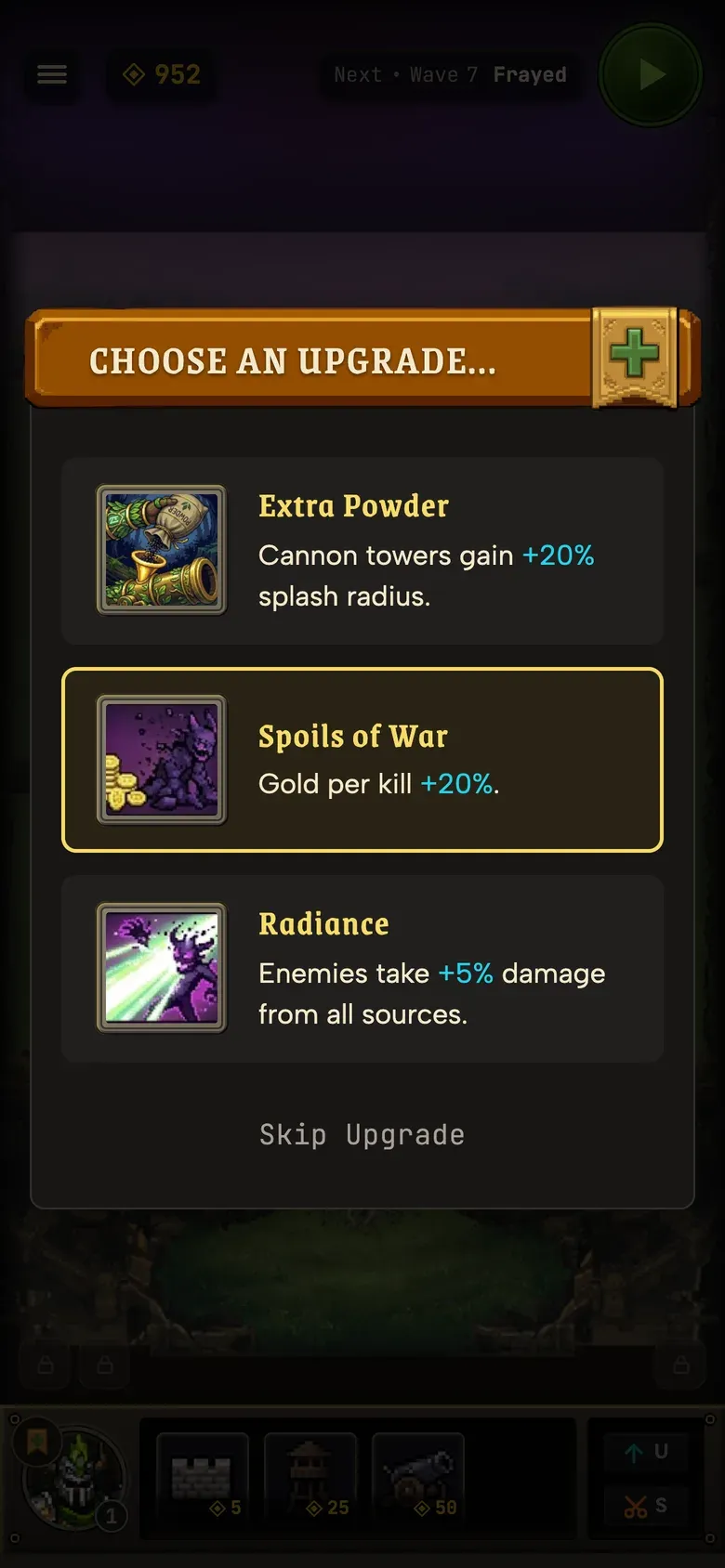
Screenshots of current game
Currently I’m playtesting with friends and focused on balancing the game’s difficulty, but have a list of “awesome ideas for enemies and towers and stuff” from my 6-year-old son that I’m excited to bring to the game.


