
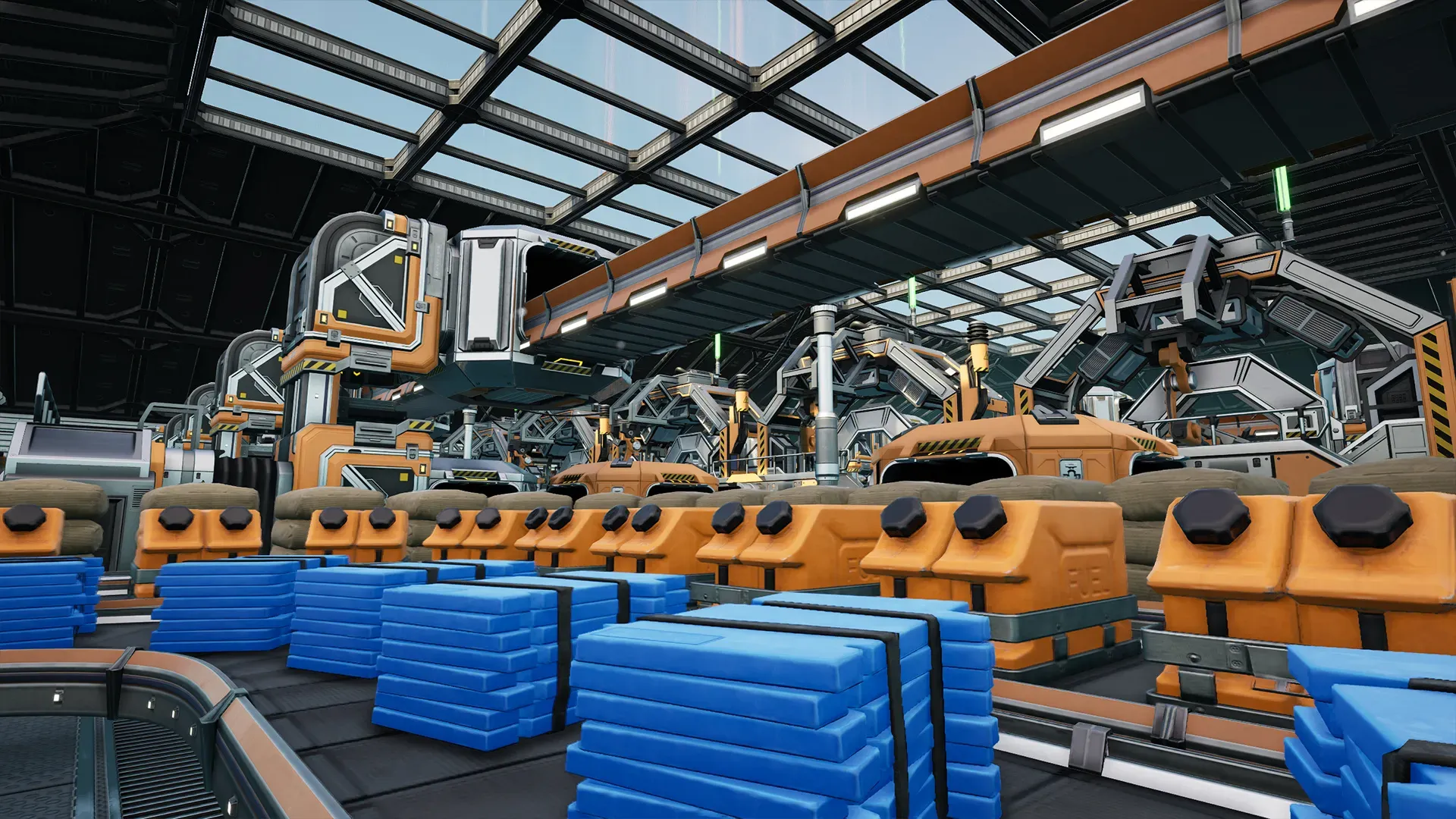
Satisfactory (opens in a new tab) is an incredible factory-building game from Coffee Stain Studios (opens in a new tab). The game has players refine and combine raw resources into more and more materials that require you to build increasingly complex factories. It starts simple but the math gets intense quickly.
This complexity is part of the fun, and the game’s dedicated community has created many excellent tutorials and tools to help players plan their builds. While playing the game, I learned that these tools didn’t work for me.
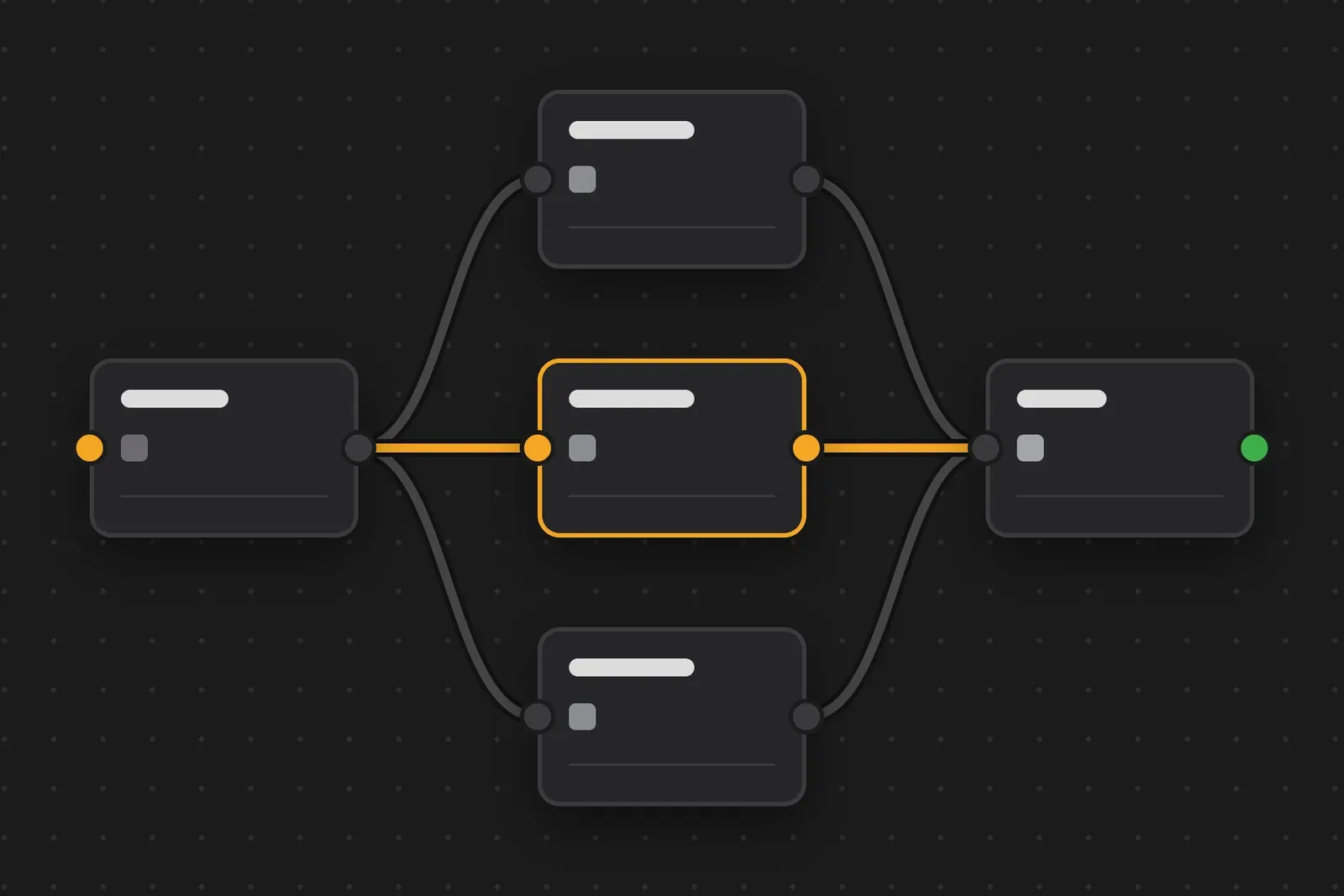
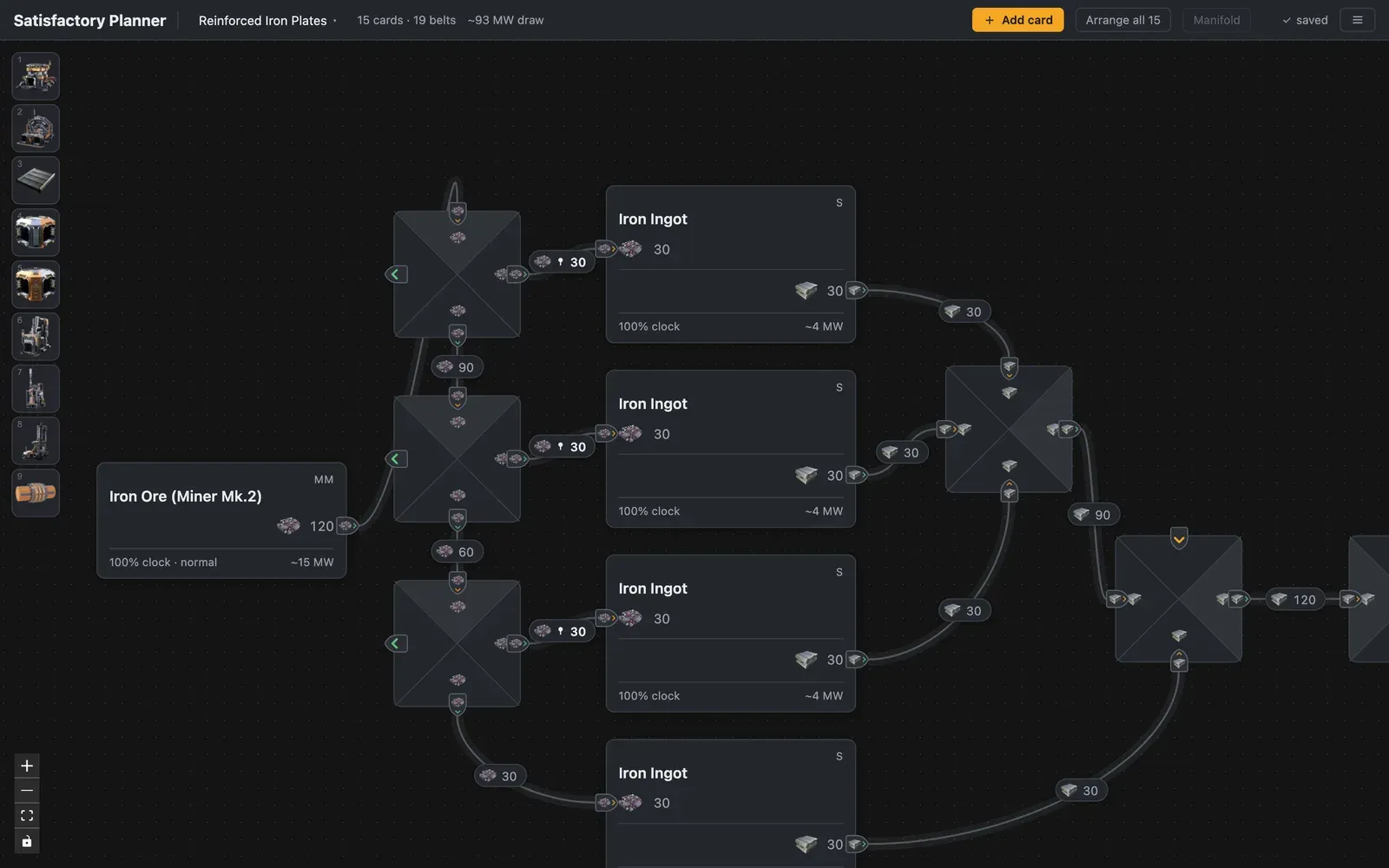
Most planners solve for the optimal build. You enter a target, and they provide a finished production tree. (They’re also drowning in ads.) I prefer to solve things myself, and plan my factory more like a sketch: if I split this belt here, what happens downstream? So I built a planner that works like a whiteboard, closer to FigJam or Miro than a calculator.
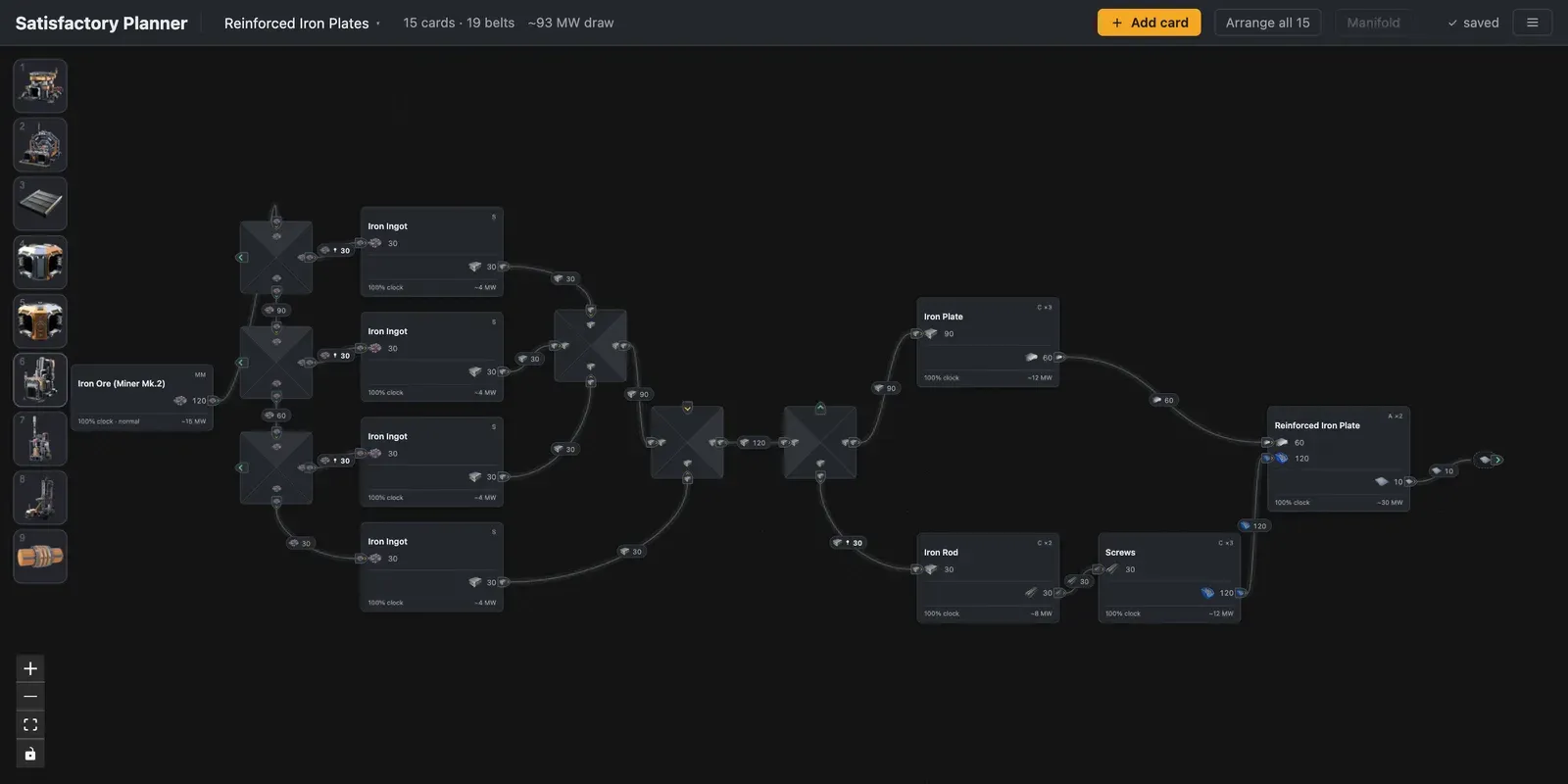
You place buildings, draw your own belt lines, and watch the throughput update as you go. Swapping in an alternate recipe shows its effect right away, so I can learn which recipes are worth it without looking up the answer. The building and item icons come from the Satisfactory community wiki, and they’re Coffee Stain’s artwork. Most of the work was in the interactions, like snapping and layout, which I worked through with Claude Code until the canvas felt like the whiteboard tools I use every day.
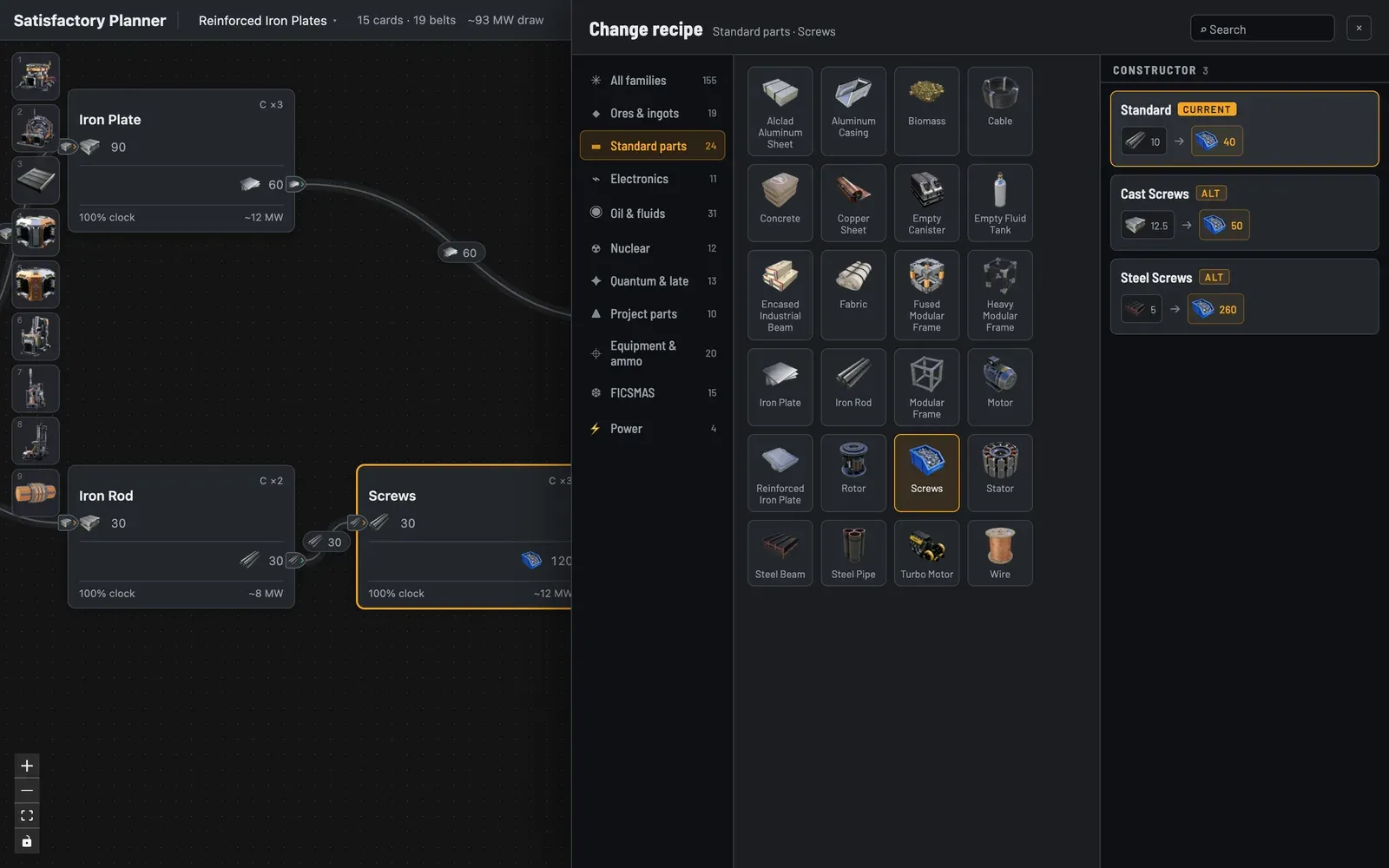
Under the hood it’s React, with React Flow handling the canvas: the cards, the belts, the panning and zooming. The recipes come straight from the game’s own data file. The parser most tools use hadn’t been updated since 2023 and broke on the current version, so I had Claude Code write a new one, and I added by hand the few facts the file leaves out, like how many ports a splitter has. Rates are stored as exact fractions, so the numbers never drift to 4.9999.
The majority of the tool was built in two days, with additional design polish sessions as I found things I wanted to add or improve. I kept a running spec of every decision from the first day which kept things consistent. Click below if you’d like to see the tool, and I highly recommend you check out Satisfactory (opens in a new tab)!


